Live Search
Live Search lets you create continuously running searches that raise live alerts as new detections arrive.
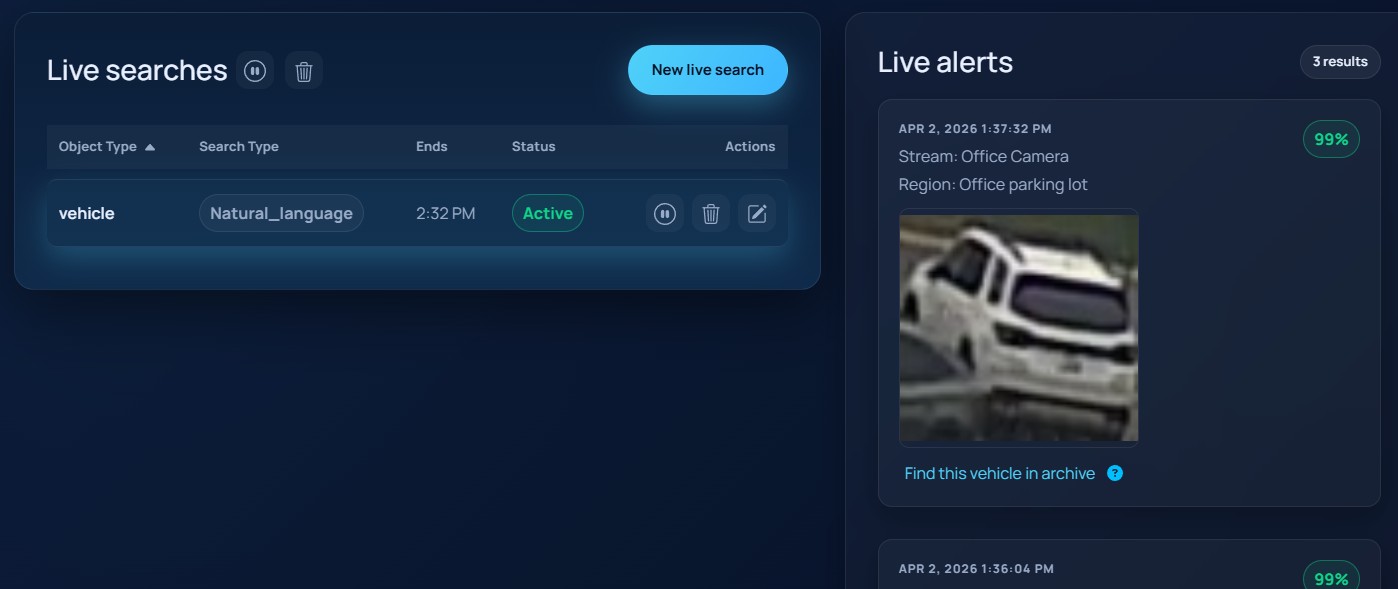
The screenshot below shows the live search page with the live search list and the live alerts panel.
Creating a live search
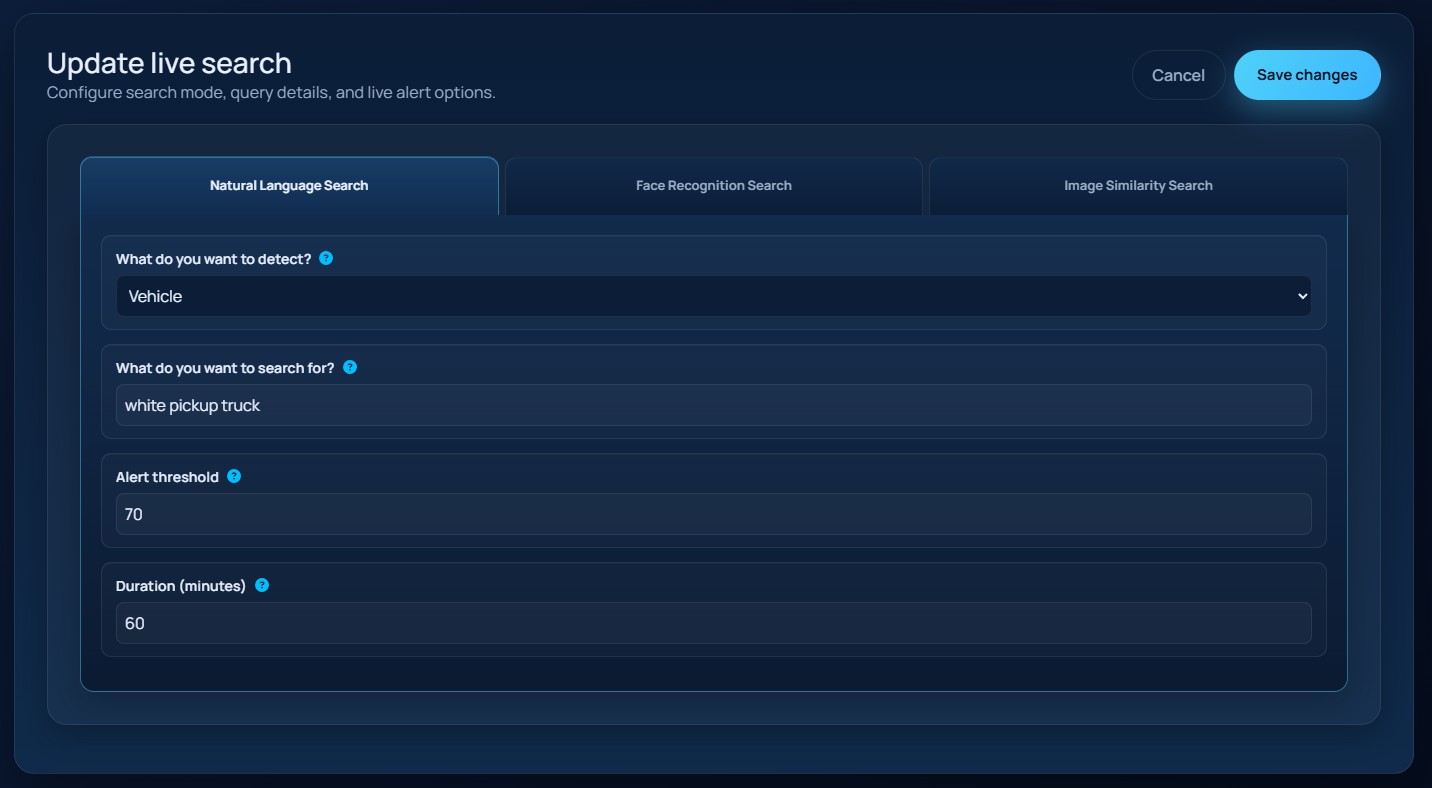
Choose New live search to open the editor. The form supports the same three search modes used by Archive Search:
Natural Language SearchFace Recognition SearchImage Similarity Search
Natural language and face recognition use the same object and query fields described in Archive Search. Image similarity accepts either an uploaded image or an existing similarity seed that was carried in from another page.
Live-only options
Every live search also includes:
Alert thresholdDuration (minutes)
Leave Duration (minutes) blank if the search should continue until you pause or delete it.
The screenshot below shows the live search creation / edit form.
Managing running searches
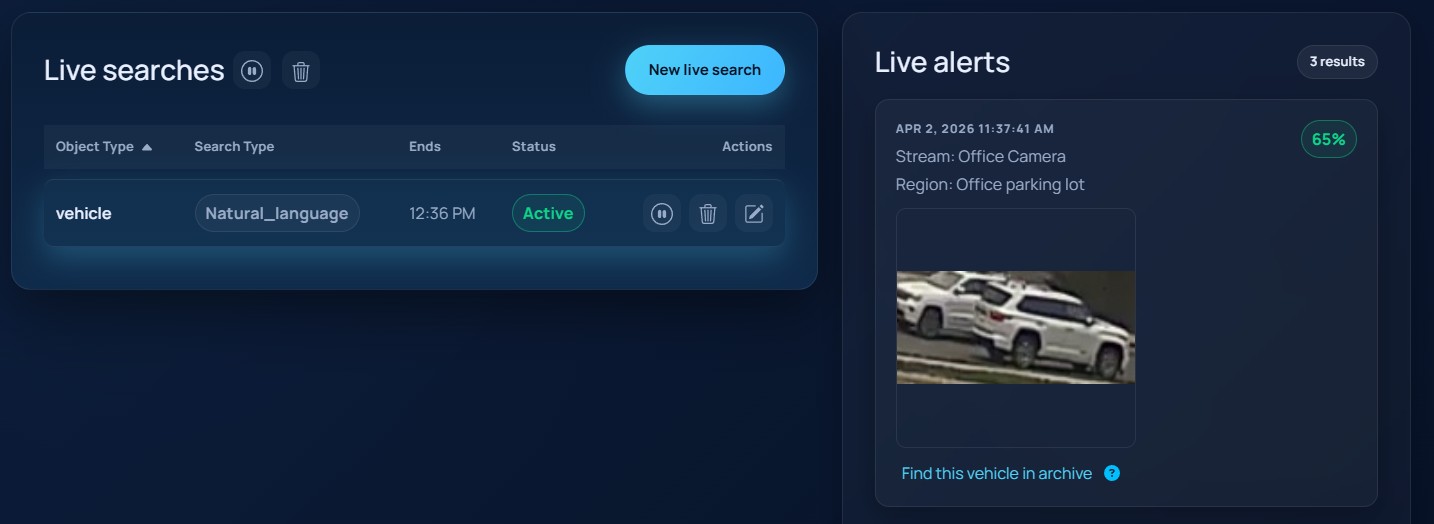
The live search list shows:
- object type
- search type
- end time
- status
Each row supports:
- pause or resume
- edit
- delete
The header also supports bulk pause/resume and bulk delete actions.
Reviewing live alerts
The page shows the full alert stream.
Each alert card includes:
- the detection image
- timestamp
- source and region
- confidence, when available
Live alert cards also provide Find this <object> in archive, which opens Archive Search and queues a similarity search from the selected result.
The screenshot below shows the live alerts panel with an alert card from an active search.